
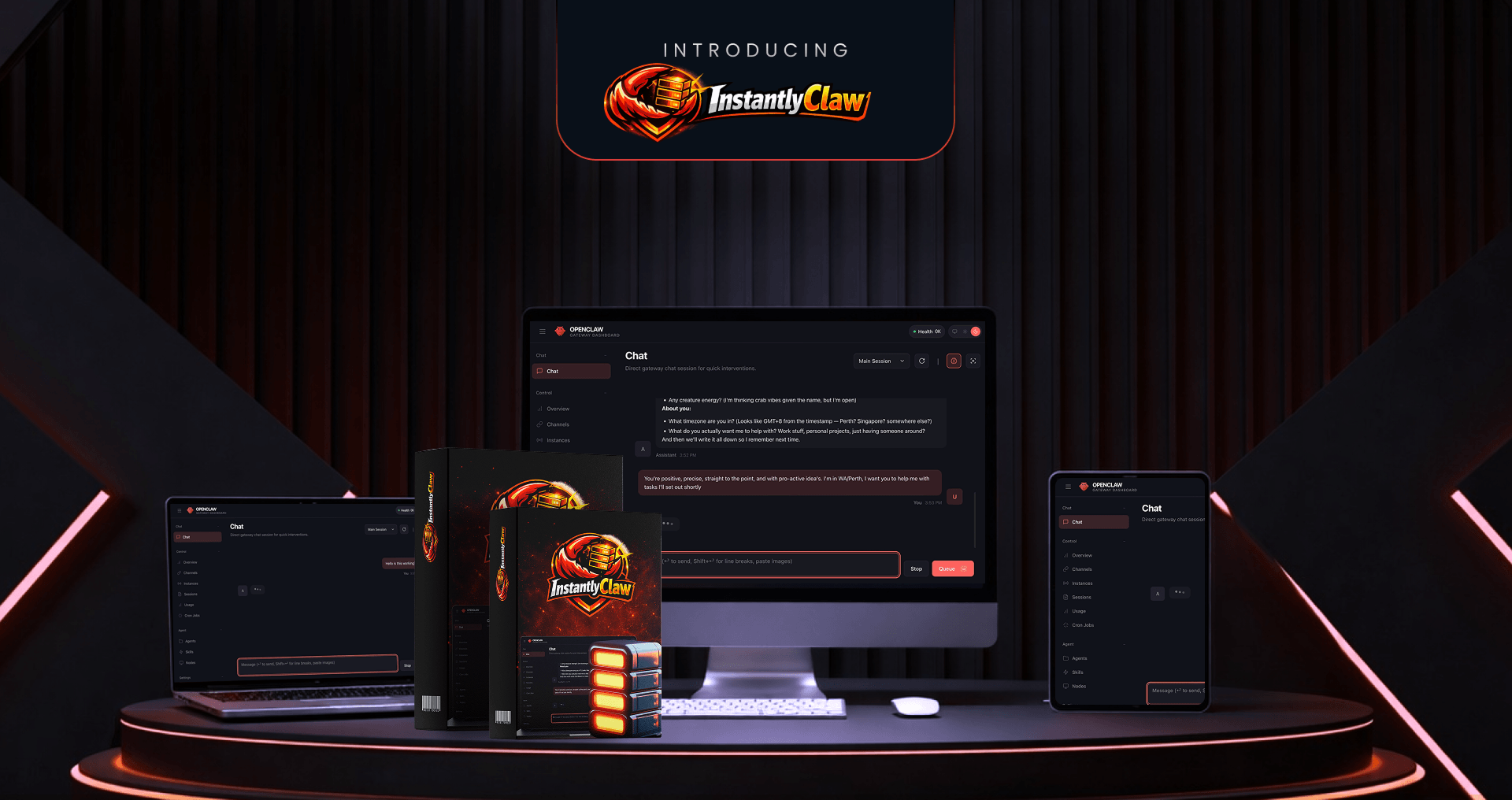
InstantlyClaw Review 2026: The $37 Shortcut to a Working OpenClaw or Just Another Hype?
If you have spent any time in AI marketing groups lately, you have probably heard the name OpenClaw whispered with a mix of awe and terror. It is supposedly the most powerful open-source AI agent available—but setting it up is a nightmare.
Enter InstantlyClaw. The sales pitch is aggressive: “One click. 60 seconds. Done.” But does it actually deliver a working AI agent, or is it just a pretty wrapper for free software?
Here is everything you need to know before you buy.
InstantlyClaw 2026 – Overview
| |||||||||||||||||||||||||||||||||
|---|---|---|---|---|---|---|---|---|---|---|---|---|---|---|---|---|---|---|---|---|---|---|---|---|---|---|---|---|---|---|---|---|---|
| ! |
InstantlyClaw Works (In 4 Steps)
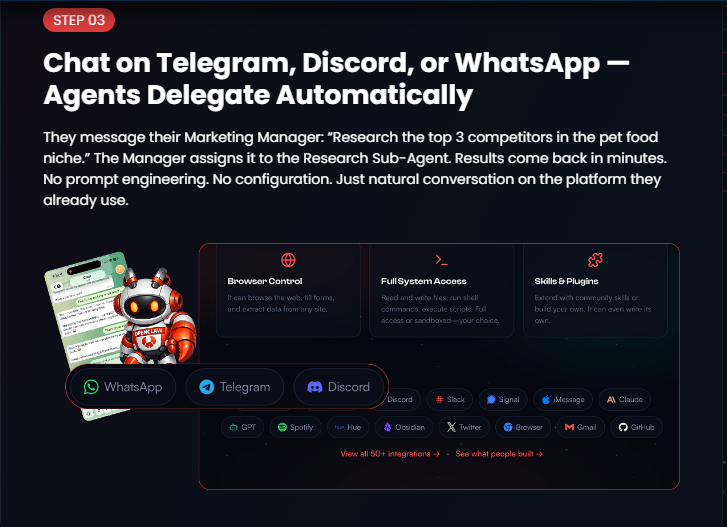
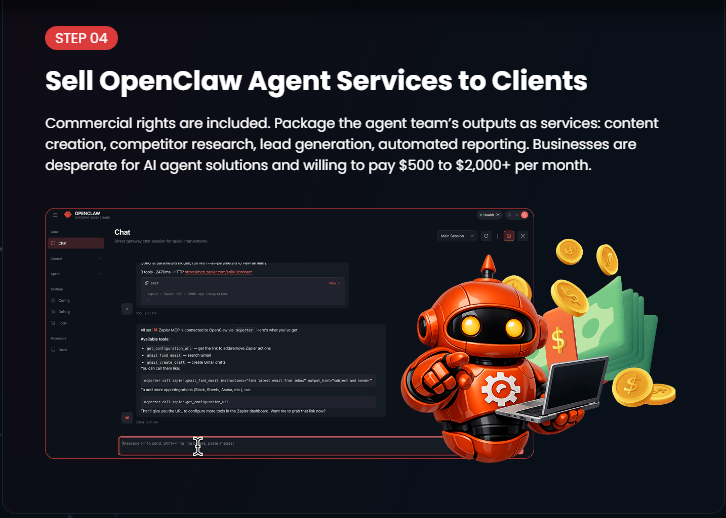
According to the vendor, you can go from zero to a working AI agent in four steps:
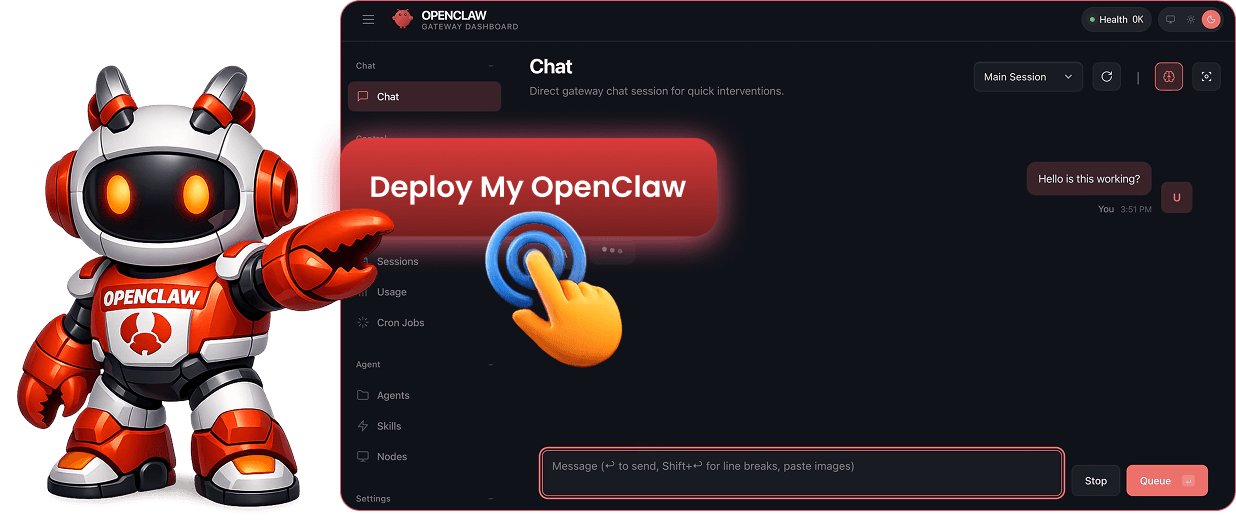
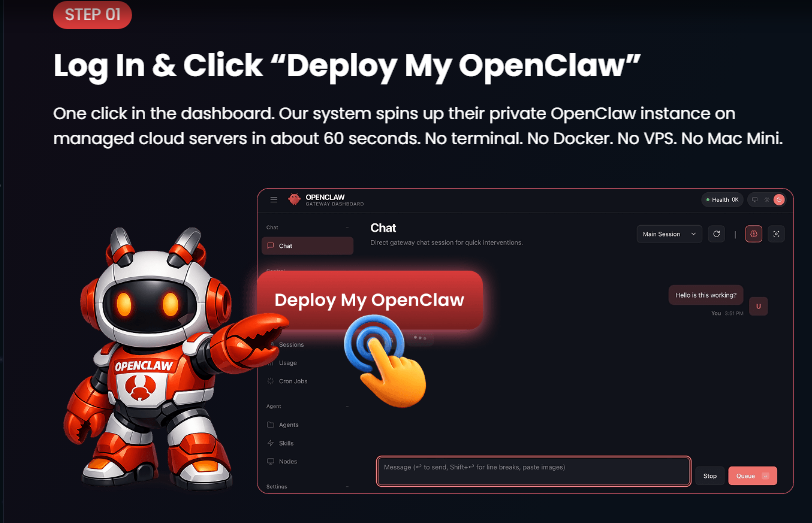
Click “Launch”: You log into a dashboard and press one button. It deploys an OpenClaw instance on their cloud servers (takes ~60 seconds).
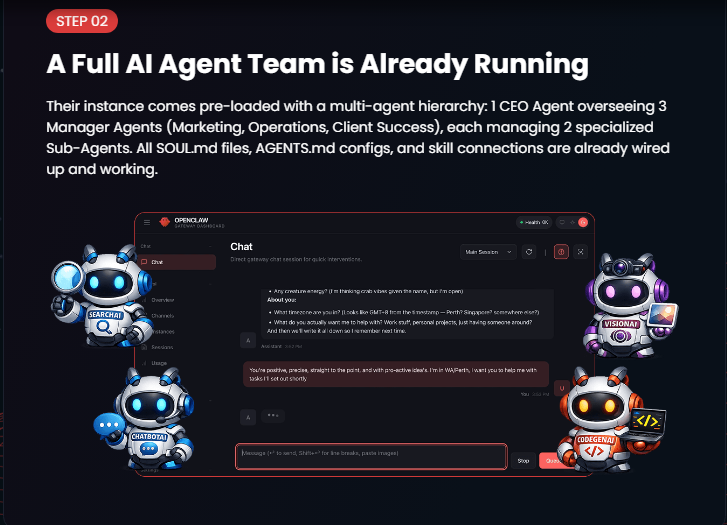
It Comes Pre-Loaded: Unlike a blank install, this comes with 15 skills (web browsing, Gmail, SEO, etc.) and a “team” of 9 AI agents already configured.
Give an Instruction: You message your AI via WhatsApp, Telegram, or Discord. Example: “Find 20 dentists in Miami without websites.”
Sell the Results: Because commercial rights are included, you can sell the spreadsheets, blog posts, or reports the AI generates.
Key Features & What You Actually Get
For the $37 one-time fee, the vendor promises a massive stack of features:
Hosting: 12 months of cloud hosting included (renews at $50/year after that).
Safety: Runs in an isolated container (your computer is never touched) with “confirm-before-acting” rails.
Pre-loaded Agents: 9 agents (Marketing Manager, Content Writer, Research Scout, etc.) that delegate tasks to each other.
Free Credits: 2 months of free LLM credits (so you don’t need your own OpenAI/Anthropic API keys immediately).
Communication: Chat via WhatsApp, Telegram, or Discord.
Commercial Rights: You can sell anything the AI creates.
Pros and Cons
The Pros (What I Liked)
No Technical Skills Required: This is the biggest win. If you have tried to install OpenClaw via GitHub and failed, this removes that friction entirely.
The Security Model: The “isolated container” is crucial. Running AI agents on your personal laptop is risky. Moving it to their cloud is actually safer.
One-Time Payment: Most AI hosting services charge $20-$50/month. A $37 one-time fee for a year of hosting is genuinely cheap.
Pre-Configured Agents: The “9-agent team” saves hours of prompt engineering. You don’t have to teach it how to delegate; it already knows.
The Cons (What You Should Know)
It’s Still Open Source: You are paying for convenience and hosting, not proprietary software. If you are a developer, you can do this for free (it just takes 20 hours).
The $37 is a “Launch Price”: The sales page explicitly says the price goes up soon. Don’t expect this price to last.
API Costs After 2 Months: After the free LLM credits run out, you need to supply your own OpenAI or Claude API key (~$5-$15/month). This is normal, but it is an extra cost.
You Still Have to Work: This is not a “push button, get rich” tool. You still need to give good instructions and sell the output to clients.
InstantlyClaw vs. The Alternatives
| Feature | Manual OpenClaw (DIY) | Managed Hosting (SimpleClaw etc.) | InstantlyClaw |
|---|---|---|---|
| Time to Start | 14-40+ hours | 1-2 hours | 60 seconds |
| Technical Skill | Advanced (Linux/Terminal) | Moderate | Zero (One Click) |
| Pre-loaded Skills | No (You install) | No (Blank box) | Yes (15 skills ready) |
| Cost Structure | VPS ($50/mo) + Your time | $6-$25/mo | $37 one-time (1st year) |
| Safety | Low (Accesses your PC) | Medium | High (Isolated cloud) |
The Verdict: Is It Worth $37?
Yes, for beginners and non-technical users.
If you know how to use a terminal and enjoy configuring servers, skip this and install OpenClaw for free.
However, if you are a freelancer, marketer, or small business owner who wants to use AI agents to generate leads, write content, or build reports without spending a weekend debugging Docker errors, InstantlyClaw is a no-brainer.
One $200 Fiverr gig or one $500 client report pays for the tool 5x over. The 30-day money-back guarantee also removes the risk.
Who Should Use InstantlyClaw?
This product is not for everyone. Based on the sales page and the actual functionality, here is exactly who benefits most:
✅ Perfect For:
| User Type | Why It Fits |
|---|---|
| Freelancers (Fiverr/Upwork) | You can offer “AI-powered competitor research,” “SEO blog packages,” or “lead list generation” as gigs. The AI does 90% of the work. You just deliver and collect payment. |
| Local Marketing Agencies | Use it to find local businesses without websites, generate reputation management reports, or create social media content for dental clinics, restaurants, and real estate agents. Package as a $500-$1,500/month service. |
| E-commerce Store Owners | Let the AI write product descriptions, blog posts, email sequences, and social media captions. One instruction handles weeks of content. |
| Side Hustlers | If you want to start an AI business but don’t know how to code and don’t want to rent servers, this is your on-ramp. Low risk ($37), high potential upside. |
| Non-Technical Entrepreneurs | You have business ideas but get stuck at the “how do I set this up?” stage. InstantlyClaw removes the tech barrier completely. |
| Virtual Assistants | Add AI agent management to your service offerings. Charge clients $200-$500 to set up and run their own AI agents using your InstantlyClaw instance. |
| Coaches & Consultants | Use the AI to generate lead magnets, email sequences, worksheets, and client intake reports. Automate your content fulfillment. |
❌ NOT For:
| User Type | Why It Doesn’t Fit |
|---|---|
| Developers & DevOps Engineers | You can install OpenClaw for free in under an hour. Paying $37 for a one-click deploy is unnecessary for you. |
| People Looking for “Get Rich Quick” | InstantlyClaw is a tool, not a magic button. You still need to give instructions, review output, and find clients. If you aren’t willing to work, skip it. |
| Enterprise Teams (100+ users) | This is built for individuals and small teams. For large-scale deployments, you need a custom enterprise solution. |
| Anyone Unwilling to Spend 20 Minutes Learning | While it’s “one click,” you still need to learn how to write good instructions and customize the USER.md file. If you refuse to learn anything, this won’t help. |
| Users Who Already Have a Working OpenClaw Setup | If you already have OpenClaw running with your own agents and skills, you don’t need this. |
The Bottom Line on Audience:
InstantlyClaw is for people who want the output of AI agents (lead lists, content, reports, automation) without the input of learning Linux, Docker, or terminal commands.
!